Manage your home loan
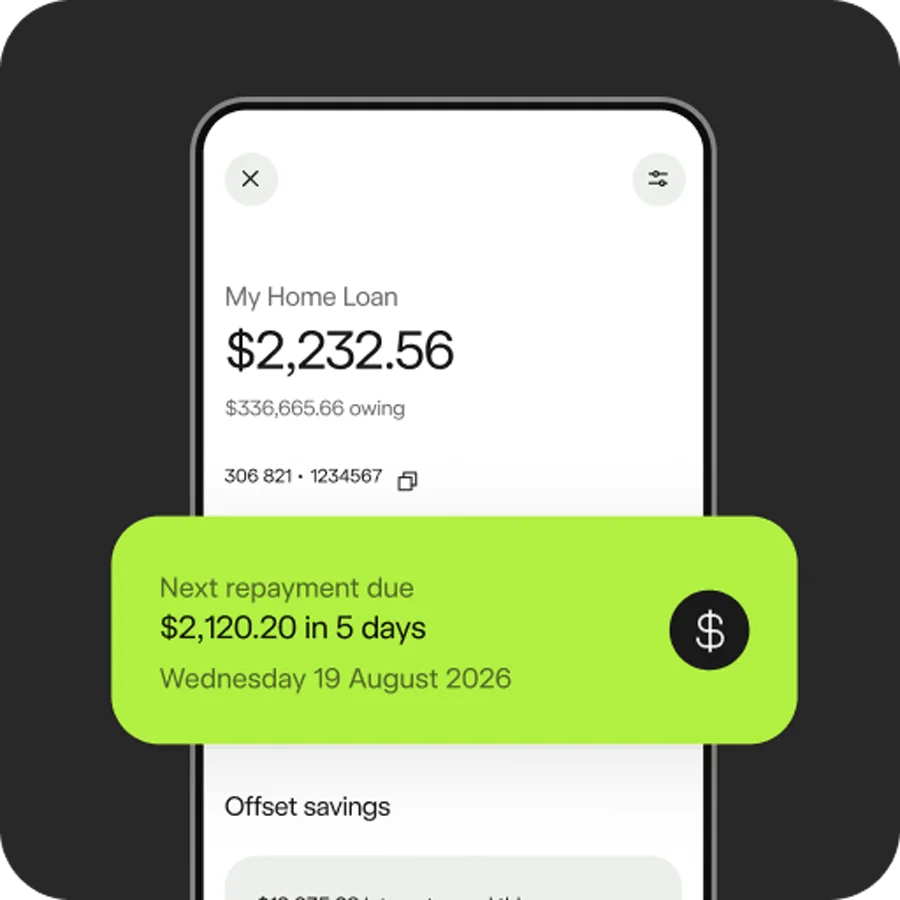
Make changes to your repayments or redraw
To change repayments set up through Bankwest as part of your home loan application, message us in app or online banking.
If you’ve set up repayments yourself from a Bankwest account, use the app or online banking to change your scheduled payments.
In the app
- Go to ‘Money’, then select ‘Payments’
- Tap the upcoming payment you want to change, scroll to find ‘Edit payment’
- Update the details you want to change and follow the prompts to confirm.
In online banking
- Select ‘Payments’, then ‘Scheduled payments’
- Select the payment you want to update, then ‘Modify’
- Update the details you want to change and follow the prompts to confirm.
To change repayments from an account with another financial institution, check with them to see how you can complete this.
In the app
- Tap ‘Make a payment’
- Tap the account you want to pay from and the home loan you want to pay to
- Enter details of the repayment and follow the prompts to confirm.
In online banking
- Select ‘Payments’, then ‘Make a payment’
- Enter the details of the payment and follow the prompts to confirm.
To change or make extra repayments from an account with another financial institution, check with them to see how you can complete this.
If you’ve got a variable rate home loan, you can redraw available surplus anytime. If you’re paying weekly or fortnightly, ensure you have enough funds to cover your monthly repayment. If you have a fixed rate home loan, redraw isn’t available until the fixed rate term ends.
In the app
- Go to ‘Property’
- Tap your home loan, then ‘Pay’
- Tap the account you want to transfer to and follow the prompts to confirm.
In online banking
- Select ‘Payments’, then ‘Make a payment’
- Select your home loan in the ‘from’ field and complete the transfer.
For home loans which need two people to sign, complete and return the Home Loan Access Withdrawal Authority form (PDF) to us by:
- email or post – details on the form
- logging into online banking and using Bankmail.
Review your rate, loan details and statements
In the app
- Go to ‘Property’
- Scroll down to ‘Manage your loan’ and tap ‘Check rate options’
- Tap the home loan you want to view.
In the app
- Go to ‘Property’
- Tap on the home loan you want to view
- For more information on your home loan, tap the settings icon.
In online banking
- Select the home loan you want to view.
If you have eStatements set up in the app or online banking, these are available to view and download any time. If you currently receive paper statements, you can switch to eStatements through your statement preferences.
In the app
- Go to ‘Property’
- Tap your home loan account, then ‘Statements’ to view past statements
- Tap on a statement to view
- Apple users tap ‘Share’, Android users tap ‘More options’ icon to send, download or print.
In online banking
- Select ‘Accounts’, then ‘Statements’
- Select your home loan account
- Select a statement to download a PDF.
In the app
- Go to ‘Property’
- Scroll down to ‘Manage your loan’ and tap ‘Check rate options’
- Tap the home loan you want to view.
More ways to manage your home loan
Manage your loan in the app
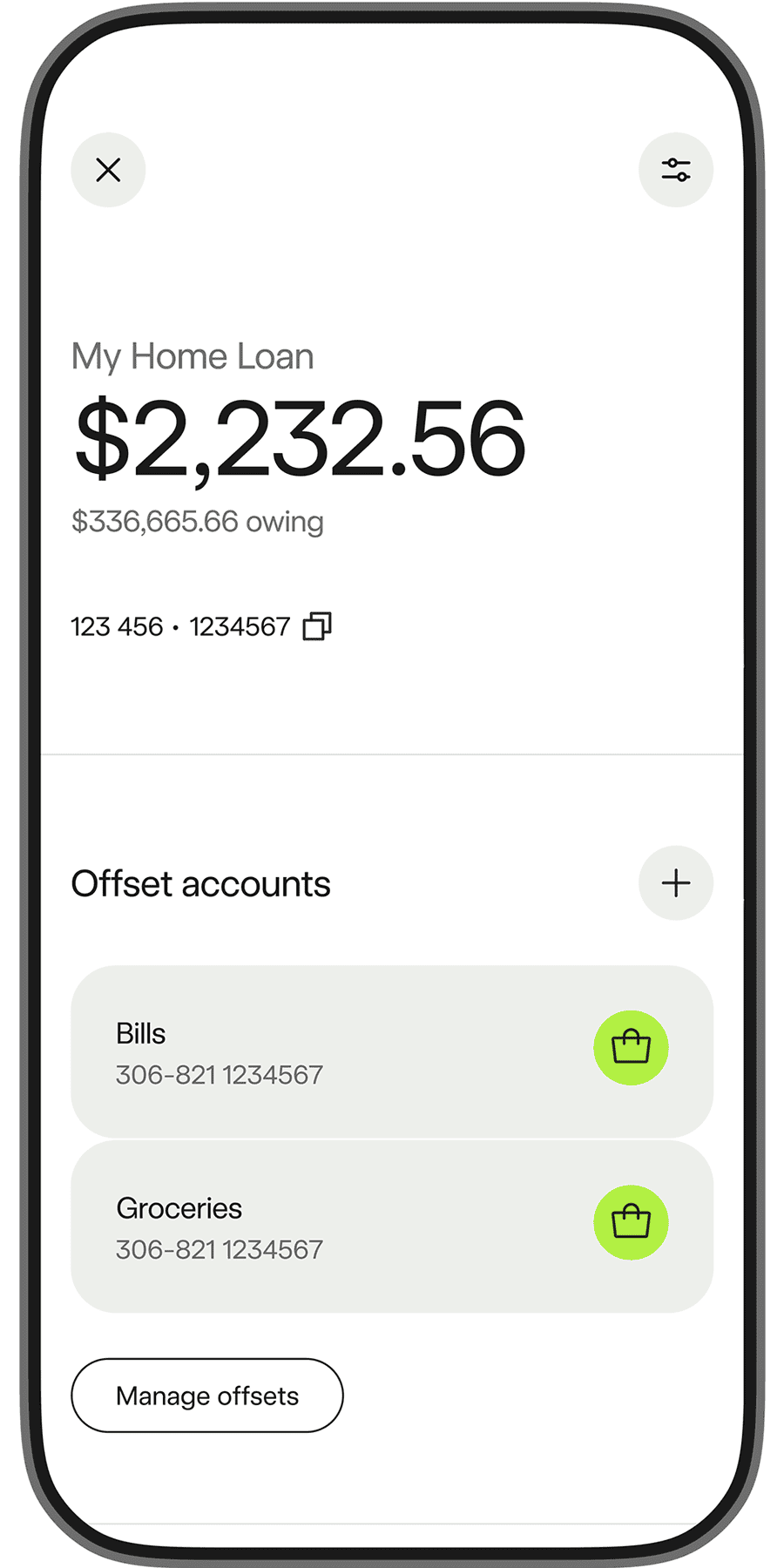
Open and manage offset accounts
Organise your bills, savings and spending with multiple offset accounts. Track how much interest you’re saving each year.
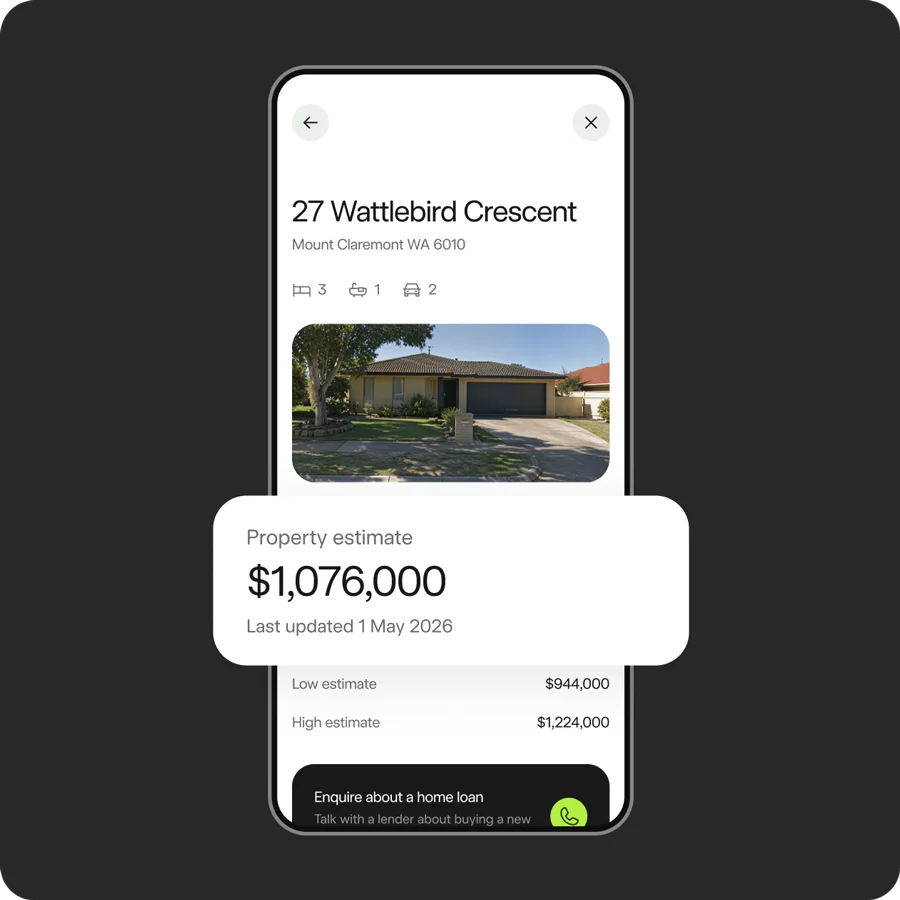
Smart property insights
See your property’s estimated price, get key property details and lender support.
Fast, secure banking
Log in with biometrics, tap to lock a card and get notified when something’s not right, so you can handle anything unusual in seconds.
Need help?
Send us a message in the app.
Our app won Gold at the 2025 Good Design Awards. Download it to see why.



Things to consider
- Apple, the Apple logo and Apple Pay are trademarks of Apple Inc. App Store is a service mark of Apple Inc. Bankwest Apple Pay Terms of Use apply.
- Android, Google Play and the Google Play logo are trademarks of Google LLC. Bankwest Google Pay Terms of Use apply. Google Pay and Google Wallet are trademarks of Google LLC.
- Bankwest Samsung Wallet Terms of Use apply. Samsung and Samsung Wallet are trademarks of Samsung Electronics Co Ltd.