Here to help
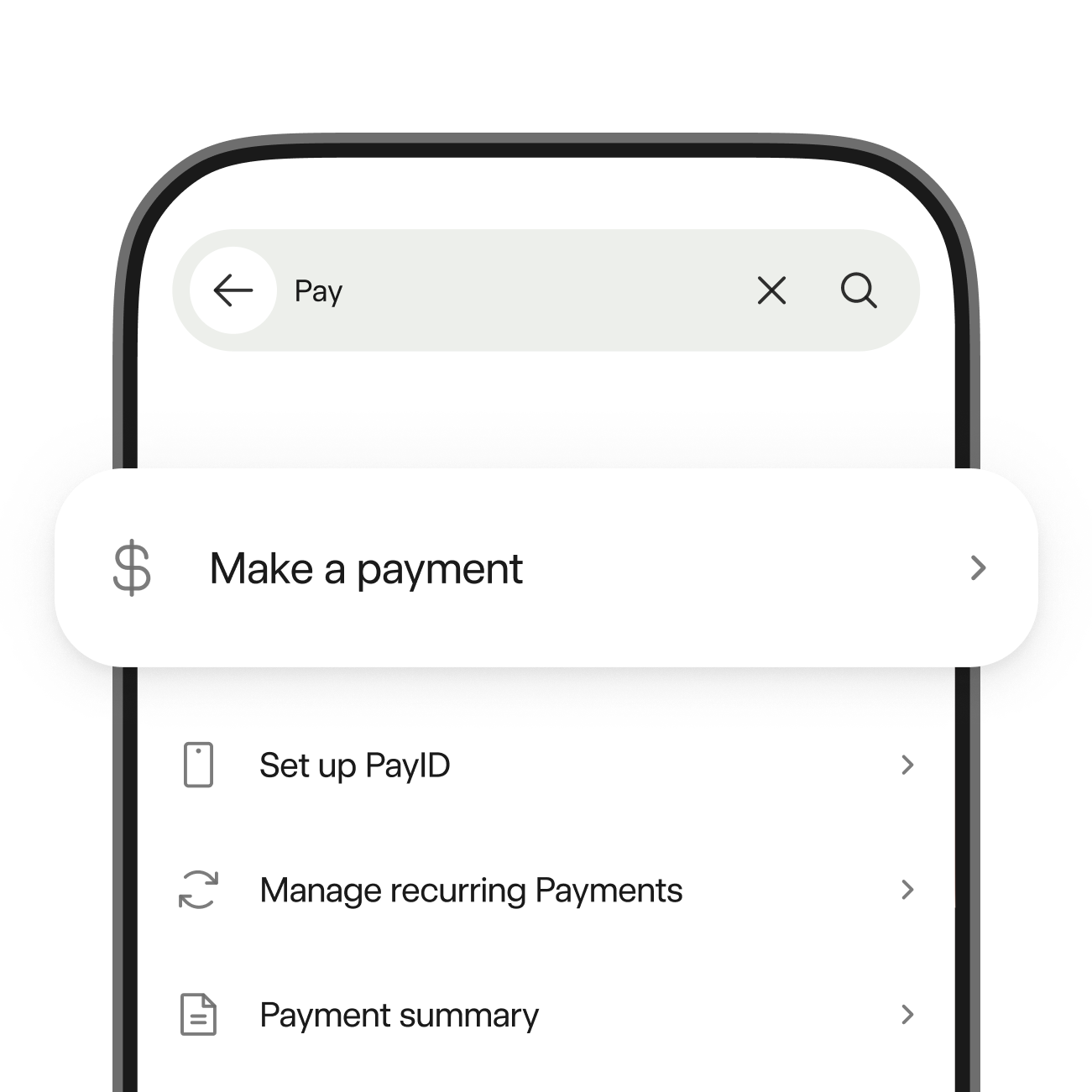
Search for more than just answers
Use search in the app to find answers and complete actions, like replacing your card, or setup your PIN.
Common questions
Get answers to common banking questions.
What to do if your card is lost, stolen or damaged
If your card is lost, stolen or damaged, you can report it in the app and get a replacement. If you’re overseas without access to the app, call us on +61 8 9449 2840.
How to dispute transactions
If you don’t recognise a transaction on your account, tap on it in the app for more details. To dispute it, tap ‘Dispute transaction’ in the app, message us or complete the transaction dispute form.
Where to find your Personal Access Number (PAN)
If you’re new to Bankwest, check your email or welcome letter. If you’re already a customer, you can find your PAN in the app or on your account statements.
How to activate your card
You can access your digital card before your physical card arrives in the mail using the Bankwest App. Once your card arrives you can activate it in the app or in online banking.
How to reset or change your password
You can reset your password on the online banking or app login screen by selecting ‘Reset password’. You can change your password in online banking under 'My Details'.
How to cancel direct debits or recurring payments
You can cancel direct debits by messaging us in the app or online banking. To cancel recurring payments, contact the business who charged you.
Support topics
Browse our help guides by topic.
Guides to help you get the most from your money
Home loans
Everything you need to know about buying, refinancing, and making the most of your loan.


Feedback and complaints
Provide feedback
Need assistance or have feedback? Message us through the app for a quick response. We’re committed to improving your experience.
How to make a complaint
Find out how to make a complaint and what happens next.


